

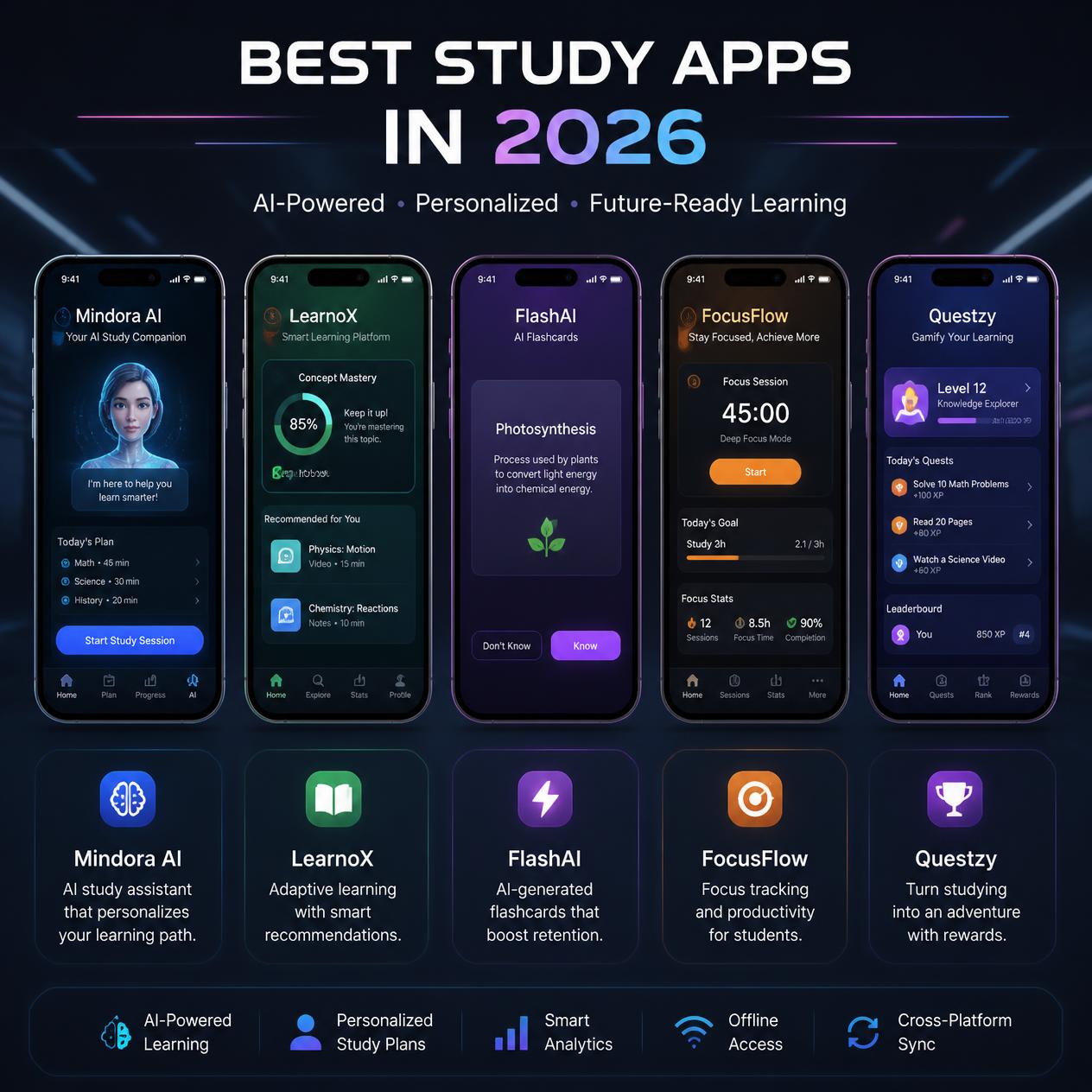
Best Study Apps in 2026: The Tools That Actually Help You Learn
Meta Description: Looking for the best study apps in 2026? Here’s an honest, no-fluff breakdown of the tools worth downloading — and the ones you can skip.
Be honest — how many “study” apps do you have downloaded right now that you haven’t opened in weeks? If you’re like most students, the number’s embarrassingly high. Somewhere between eight and twelve, according to most surveys on the topic. We download things in a burst of motivation during finals week, use them twice, and then they just sit there taking up storage while we go back to cramming the old-fashioned way.Here’s the uncomfortable truth: switching between a dozen different apps doesn’t make you more productive. It usually does the opposite. Studies on digital tool-switching have found that students who constantly hop between platforms during study sessions actually perform worse than those who stick with a small, consistent system. So instead of another giant list of forty apps you’ll never use, here’s a shorter, more honest rundown of the ones that genuinely earn a spot on your phone in 2026.
Anki: Still the King of Memorization
I’ll say it upfront — Anki is ugly. The interface looks like it hasn’t been touched since 2011, and there’s a real learning curve to setting it up properly. But it remains the gold standard for a reason: spaced repetition. The app shows you flashcards right before you’re likely to forget them, which trains your memory way more efficiently than rereading notes for the tenth time.Med students, law students, language learners — they swear by it, and honestly, once you get past the ugly interface, it’s hard to argue with the results. It’s completely free on desktop, which doesn’t hurt either.
Quizlet: The Friendlier Flashcard Option
If Anki feels like too much of a commitment, Quizlet is the more approachable cousin. It’s faster to set up, looks nicer, and works well for quick review sessions — like the night before a quiz when you just need to hammer through vocabulary or key terms. It’s not as scientifically rigorous as Anki’s spaced repetition system, but for lighter, lower-stakes studying, it gets the job done without the setup headache.
Notion:
Your Digital Command Center Notion has basically become the unofficial planner for students everywhere, and it’s easy to see why. It’s part notebook, part calendar, part task manager, all living in one customizable workspace. You can build a dashboard that tracks assignments, deadlines, and grades exactly how you want to see them, and its built-in AI features can now summarize lecture notes or generate quick study outlines.The downside? It’s a bit of a rabbit hole. It’s tempting to spend more time designing the perfect Notion setup than actually studying. If that sounds like you, set a timer for your Notion tinkering and stick to it.
Forest: Focus Through Guilt-Free Gamification
There’s something oddly effective about Forest’s core idea — you plant a virtual tree, and if you leave the app to scroll social media, it dies. It sounds silly, but the gamified pressure works for a lot of people who struggle with phone distractions during study sessions. It won’t fix a deep procrastination habit on its own, but as a lightweight nudge to stay off your phone for 25 minutes at a time, it’s genuinely useful.
NotebookLM: Built for Heavy Reading and Research
If your coursework involves piles of dense reading — research papers, long PDFs, textbook chapters — NotebookLM is worth adding to your toolkit. It’s designed to help you make sense of large volumes of source material, letting you ask questions and get summaries grounded in your own uploaded documents rather than generic internet answers. It’s especially handy for research-heavy classes where you’re juggling more sources than you can realistically reread from scratch.
Otter.ai: For When Lectures Move Too Fast
Not everyone can type fast enough to catch every detail in a lecture, and rereading someone else’s messy notes afterward is its own kind of pain. Otter.ai transcribes lectures in real time, which means you can actually listen and engage during class instead of frantically typing. Going back through a searchable transcript later beats squinting at your own half-finished notes any day.
Grammarly: Quiet Backup for Written Work
This one’s less flashy, but it earns its place. Grammarly catches the small stuff — awkward phrasing, grammar slips, unclear sentences — before a professor does. In 2026 it’s gone beyond basic spell-check, actually explaining why a change improves your writing, which over time teaches you to write more clearly on your own instead of just leaning on the tool forever.
Todoist: Breaking Big Assignments Into Small Wins
Deadlines feel a lot less overwhelming when they’re broken into daily chunks instead of one looming due date. Todoist lets you split big projects into manageable tasks with priority labels and recurring reminders, which is honestly half the battle when it comes to avoiding last-minute panic. It’s not glamorous, but it quietly keeps you from falling behind.
GoodNotes: For Handwritten
Note-TakersIf you’ve got an iPad and Apple Pencil, GoodNotes is worth a look. There’s actual research suggesting handwriting notes leads to deeper processing than typing, since the slower pace forces you to summarize instead of transcribing word-for-word. GoodNotes adds digital perks on top of that — searchable handwriting, PDF annotation, and unlimited undos — so you get the memory benefits of handwriting without losing the convenience of digital organization.
How to Actually Choose Your Study App Lineup
Here’s the part most guides skip: you don’t need all of these. Pick one app per category — one for flashcards, one for notes, one for focus, one for scheduling — and commit to that combination for at least a full semester before switching anything. The research is pretty clear that consistency beats novelty here. Constantly hunting for the “perfect” app is often just a sneaky form of procrastination dressed up as productivity.Think about your actual study habits too. If you’re a heavy rereader who struggles with memorization, prioritize a spaced-repetition tool like Anki over a fancy note-taking app. If distraction is your real enemy, a focus app matters more than another flashcard deck. Match the tool to your actual weak spot, not the one with the flashiest features.
Final Thoughts
The best study apps in 2026 aren’t the ones with the most features or the shiniest AI branding — they’re the ones you’ll still be using in April, not just during the first week of the semester. Start small. Pick two or three from this list, give them a real chance, and resist the urge to keep app-shopping every time you hit a rough study week.What’s actually in your study app rotation right now — and has it stuck, or are you still searching for “the one”? Let me know in the comments.