
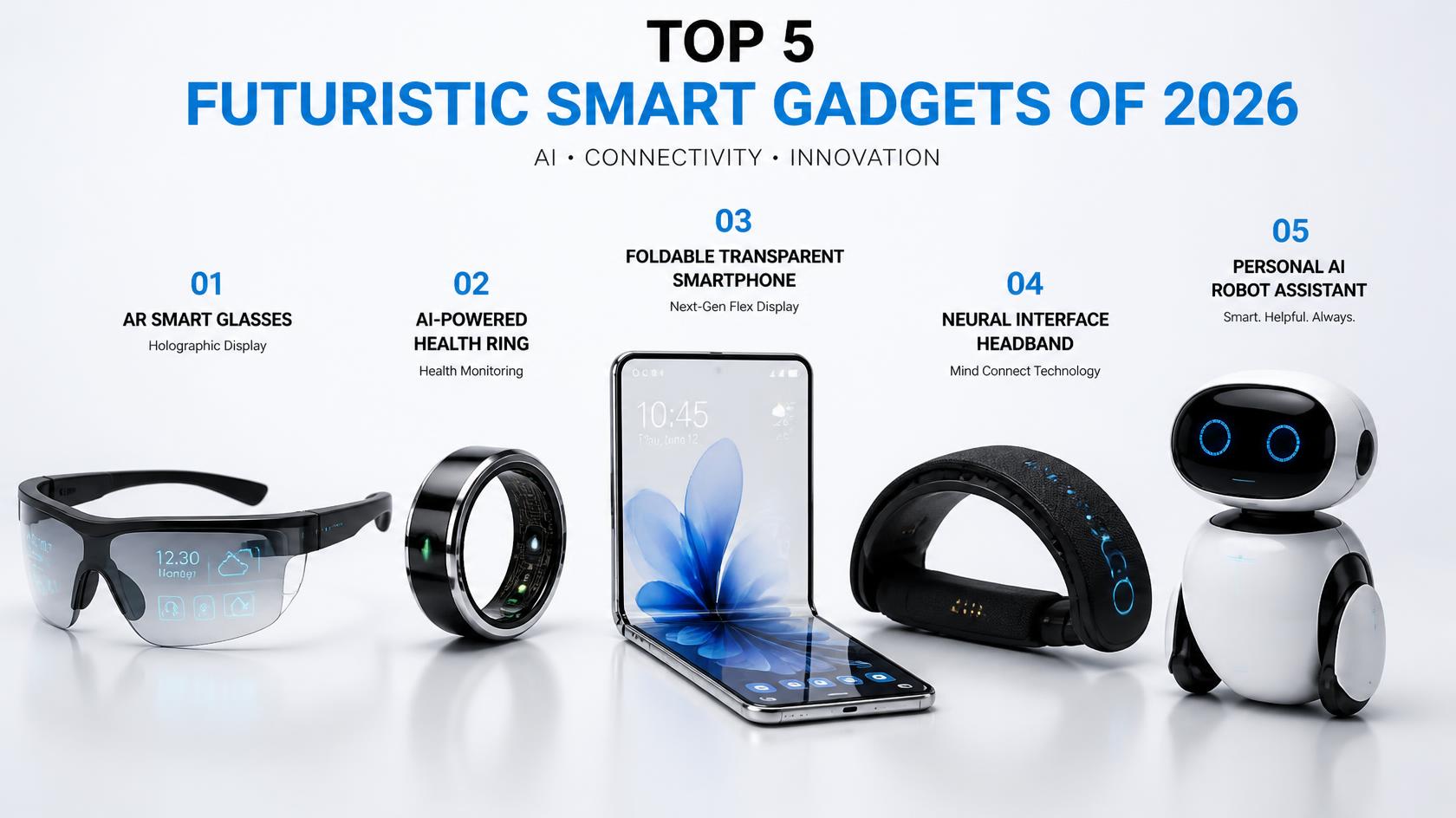
A gadget can feel futuristic without being useful for everyone. The best purchase is one that solves a real problem, works with devices you already own, and remains practical after the novelty wears off. These five categories show different ways technology can fit into daily life; availability, features, and prices vary by model and region, so verify the exact product before buying.
1. Smart Glasses and Hands-Free Displays
Smart glasses range from audio-focused frames to models with cameras, voice features, or a visual display. Depending on the model, they may help with calls, navigation, capturing moments, or accessing information without constantly holding a phone. Do not assume every pair includes a screen or the same AI features.
Check before buying: prescription options, battery life, phone compatibility, privacy indicators, camera controls, and whether the advertised features are available in your country. Be considerate about recording others and follow local rules and venue policies.
2. Foldable Phones and Flexible Screens
A foldable phone can offer a compact folded size with a larger screen when opened. That can be useful for reading, multitasking, or viewing documents, but it is not automatically better than a conventional phone.
Check before buying: the folded thickness and weight, hinge design, durability guidance, repair costs, battery performance, app behaviour on the larger display, and warranty terms. Handle one in person if possible, especially if you plan to keep it for several years.
3. Smart Rings and Other Wearables
A smart ring or fitness wearable may track activity, sleep patterns, or selected body measurements. The advantage is often a small form factor; the trade-offs can include subscription requirements, limited screens, sizing concerns, and less immediate feedback than a watch.
Check before buying: sizing and return rules, supported phone systems, battery life, data controls, subscription costs, and which features work without a paid plan. Treat consumer health measurements as estimates rather than a medical diagnosis.
4. Smart-Home Sensors and Connected Controls
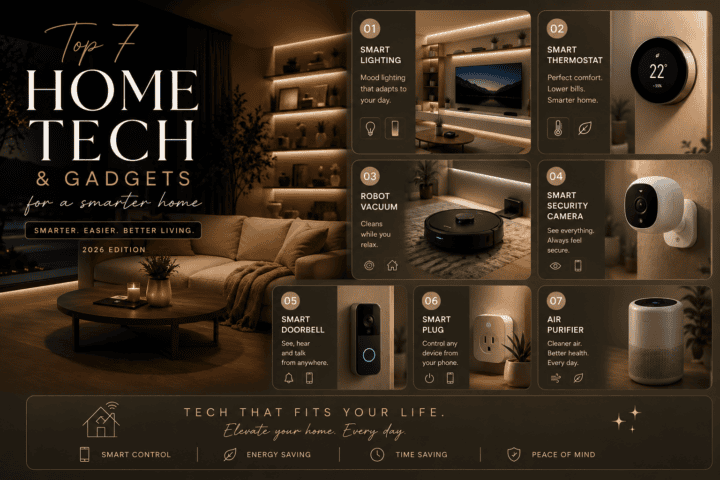
Smart bulbs, plugs, motion sensors, and door sensors can automate small tasks such as scheduling lights or receiving a notification when a door opens. Starting with one device is usually easier than trying to automate an entire home at once.
Check before buying: electrical ratings, Wi-Fi or hub requirements, compatibility with your phone and existing ecosystem, privacy settings, and what happens when the internet is unavailable. Never use a smart plug beyond its rating or for high-risk equipment unless the manufacturer explicitly supports that use.
5. Portable AI and Translation Tools
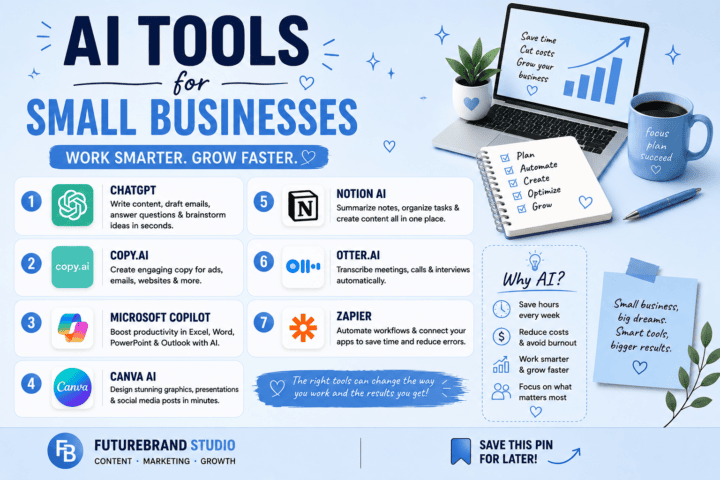
Some phones, earbuds, and dedicated devices offer translation, transcription, voice assistance, or AI-supported summaries. These tools can be helpful for travel, meetings, and accessibility, but performance varies by language, background noise, connectivity, and software version.
Check before buying: supported languages, offline availability, subscription limits, recording and data-retention settings, and whether the tool sends audio or text to a cloud service. Ask permission before recording conversations and review the output for errors before relying on it.
How to Decide Whether a Gadget Is Worth It
- Name the problem: write down the task you want the device to make easier.
- Compare the full cost: include subscriptions, accessories, repairs, and replacement parts.
- Check compatibility: confirm your phone, operating system, network, and preferred services are supported.
- Review privacy: understand what data is collected and how to disable or delete it.
- Look at long-term support: check warranty, software-update commitments, and repair options.
- Read independent reviews: compare real limitations as well as headline features.
What Makes a Gadget Genuinely Useful?
A futuristic feature is only valuable when it solves a real problem. Before buying, identify the task you want the device to make easier: hands-free navigation, quick access to notifications, health and activity tracking, or a more flexible screen for work. If your current phone, watch, or laptop already handles that task well, a new gadget may add complexity rather than value.
Look beyond launch demonstrations. Check independent hands-on reviews, real-world battery tests, software update commitments, repair options, and whether the feature works in your country and language. Early devices may receive updates that improve performance, but a promised future feature should not be treated as available until the manufacturer confirms it has shipped.
Smart Glasses: Check Compatibility and Privacy
Smart glasses can combine audio, cameras, voice controls, notifications, or display features in a wearable frame. Their usefulness depends on comfort, prescription-lens support, battery life, phone compatibility, and whether the functions you want are supported where you live. Try to find out how long they can be worn comfortably and whether replacement lenses or repairs are practical.
Privacy deserves special attention when glasses include a camera or microphone. Learn how recording is indicated, where images and voice data are processed, what is stored in the companion app, and how to disable features. Respect local rules and other people’s expectations before recording in public or private spaces.
Foldable Devices: Evaluate the Hinge and Screen
Foldable phones and computers offer a larger working area that can fit into a smaller folded shape. That can help with reading, multitasking, or viewing documents, but it is not automatically better for every user. Compare the weight, thickness when folded, external-screen usability, crease visibility, app support, and cost of an out-of-warranty repair.
Because a folding screen and hinge add moving parts, read the warranty carefully and learn what kinds of damage are excluded. A protective case may help with everyday knocks, but it cannot remove every risk. Choose a foldable device for a clear use case rather than novelty alone.
Wearables and Health-Related Features
Wearables can make it easier to notice activity patterns, sleep routines, or changes in measured signals. Accuracy varies by device, sensor, fit, and activity. Treat general wellness estimates as information to consider, not as a diagnosis or a replacement for professional medical advice. If a feature is advertised for a specific medical purpose, check its regulatory status in your market.
Also consider the everyday experience: how often the device needs charging, whether the strap irritates your skin, how easily you can export your data, and whether the app requires a paid subscription. A wearable you comfortably use most days may be more useful than a feature-rich model that stays in a drawer.
AI-Powered Devices: Understand the Limits
AI features may help summarise information, translate speech, organise photos, or automate simple tasks. Their output can still be wrong, incomplete, or based on misunderstood context. Verify important information, especially when it affects money, work, safety, or personal decisions. Check whether processing happens on the device or in the cloud and whether the service uses your data to improve its models.
Before paying for an AI-enabled product, test the feature with a typical task and compare it with tools you already have. Read the subscription terms, monthly usage limits, supported languages, and offline capabilities. Marketing labels such as “AI-powered” do not by themselves establish that a product performs better.
A Simple Buying Checklist
- Write down the main problem the gadget should solve.
- Confirm compatibility with your phone, computer, region, and preferred apps.
- Compare total cost, including subscriptions, accessories, repairs, and replacement parts.
- Read the warranty and software-support policy before checkout.
- Review privacy settings, data collection, and account requirements.
- Check return conditions and test the main feature promptly after purchase.
The best choice is not necessarily the newest or most expensive device. It is the one that performs a useful task reliably, fits your habits, and remains affordable to maintain.
Frequently Asked Questions
Are futuristic gadgets worth buying in 2026?
They can be, if a feature solves a recurring problem and the cost fits your budget. Newer technology is not automatically more reliable or better value than a simpler device.
Should I buy a gadget because it has AI features?
Not on that basis alone. Check what the feature actually does, whether it works in your language and region, what data it uses, and whether it requires an ongoing fee.
How can I protect privacy when using connected devices?
Use unique passwords and multifactor authentication where available, keep software updated, review app permissions, and disable recording or data-sharing features you do not need.
Final Thoughts
Smart glasses, foldable devices, wearables, home sensors, and AI-supported tools can all feel futuristic, but the right choice depends on your routine. Verify the exact model’s capabilities and costs, pay attention to privacy, and buy only when the benefits are clear. A useful device should make daily life easier rather than add more setup and subscriptions.
For more practical connected-home ideas, read our guide to smart home gadgets.
Compare the Real-World Trade-Offs
Different gadget categories solve different problems, so compare them on the criteria that matter for your use. Smart glasses may be convenient for hands-free access, but privacy and battery life can be limiting. Foldable phones offer a different screen format, but repairs and durability deserve attention. Wearables are useful only if you are comfortable wearing and charging them regularly. Smart-home devices can automate routines, but compatibility and account security add setup work. Translation and AI tools can save time, but their output may need correction.
A short trial or in-store demonstration can help you find issues that specifications do not show. Test the controls, check whether the device works with your phone, and confirm which functions require an account or subscription. If the main feature depends on a cloud service, find out what happens when connectivity is poor or support ends.
A Simple Pre-Purchase Checklist
- Write down the one feature you expect to use most often.
- Check the return period and warranty before opening or activating the product.
- Look for the manufacturer’s support and software-update information.
- Review permissions for the companion app before connecting personal accounts.
- Compare the cost with a simpler device that may solve the same problem.
Avoid buying a device based only on a dramatic demo. A feature is more valuable when it works consistently in your environment, has clear privacy settings, and does not create more daily maintenance than the time it saves.

[…] Related reading: Compare these practical add-ons with our guide to budget cars worth considering in 2026, and explore more connected-device ideas in our guide to futuristic smart gadgets. […]